Your moments,
your people.
yooya is a private photo and video community for the groups that matter: family, friends, events. No public feeds. No algorithms. No strangers.
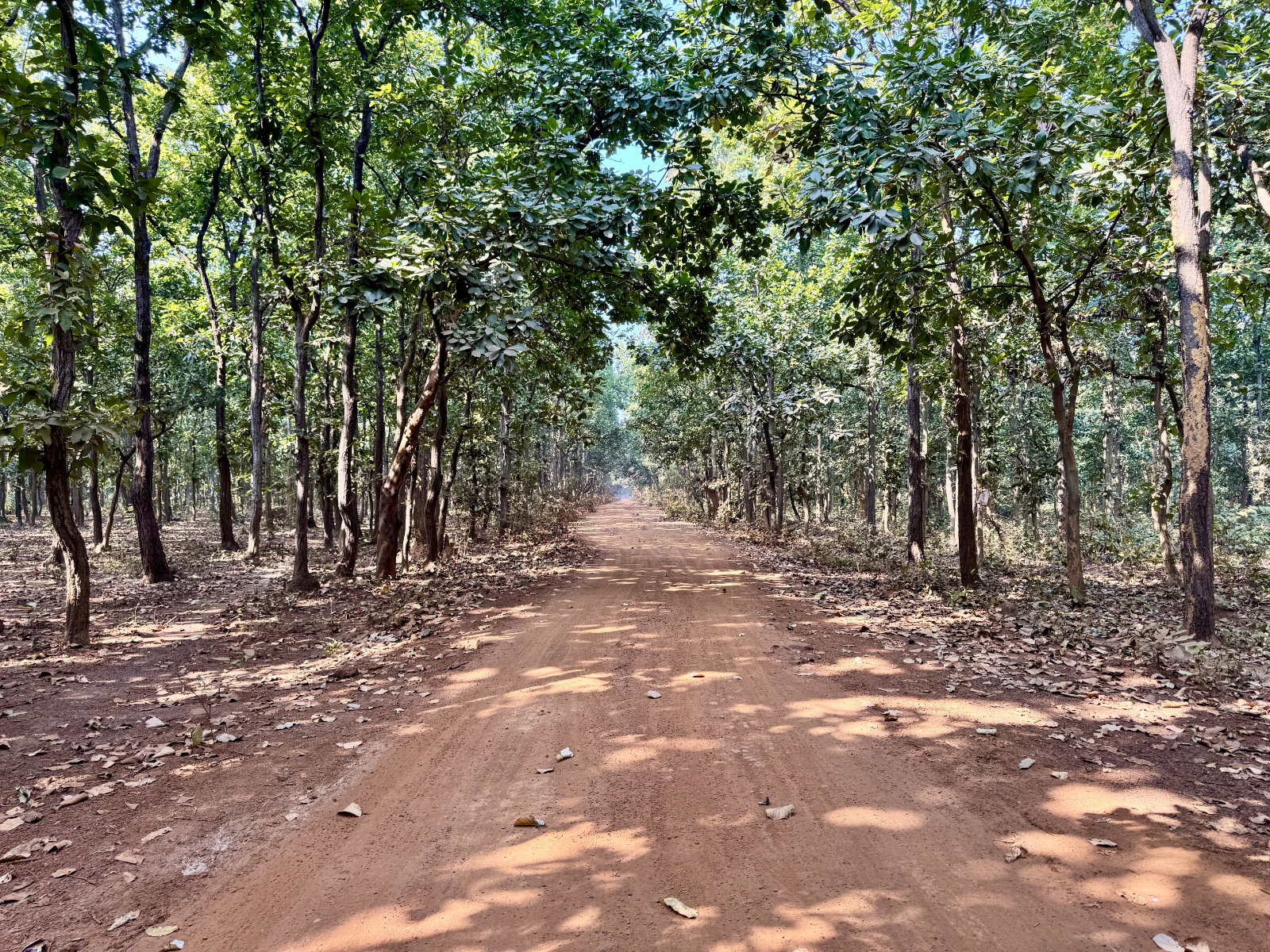
Made for real moments,
not public feeds.
Social media is noisy. yooya is quiet: a dedicated space for the photos you actually want to share, with exactly the people you want to see them.
Truly private
Every group is invite-only. Your memories stay exactly where they belong.
Beautiful stream
A silky-smooth photo feed with swipeable multi-photo galleries, double-tap to like, and instant comments. All offline-ready.
Independent. Private. German.
yooya is built and operated by moabeach labs — a small, privately held company based in Germany. There are no investors, no advertising business, and no platform interests that compete with yours. Your photos are stored on servers in Germany, never analyzed, never used to train AI models, and never shared with anyone outside your group. What you share stays exactly where you put it.
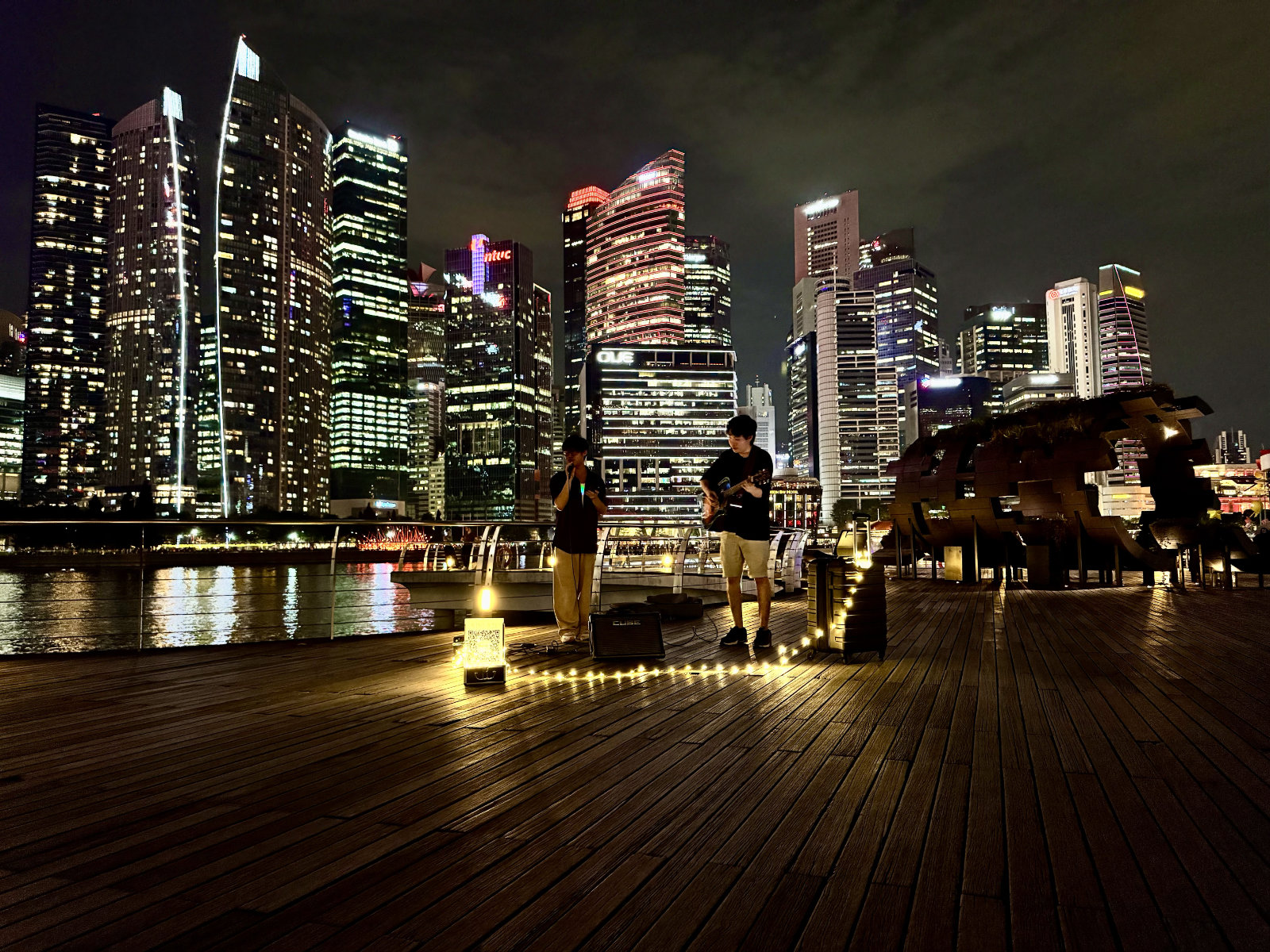
Let someone know. They'll only find out if they feel it too.
Inside any group, you can quietly express interest in staying in touch. Nothing is ever shown unless it's mutual. The moment it is, you're both introduced by email, and the ice is already broken.
Create the group
before you go.
No Dropbox links, no "send me your photos" a week later. Set up a yooya group before the trip or night out — everyone shares directly into it, and the photos are all in one place before the weekend is over.
For the occasions
that call for more.
Weddings, baby showers, birthdays: each event type unlocks a dedicated info page your guests can open right inside yooya. No separate website needed.
Wedding
- Venue details with address and map link
- Menu overview for the reception dinner
- Seating chart so guests know where to sit
- RSVP & contact form for questions
Baby Shower
- Location info and directions for guests
- Gift registry or wish list
- Food & drink details for the celebration
- Contact form for RSVPs and questions
Birthday
- Party venue address and arrival info
- Food and drinks: what's on the menu
- Seating arrangement for seated events
- Contact form so guests can get in touch
Your photos,
on the big screen.
Turn any TV or tablet at the venue into a live slideshow. No login, no app to install: open a link and the pictures start playing. New ones appear automatically as the night goes on.
- Works on any smart TV, tablet, or propped-up phone
- No login or app install on the device itself
- Combine two or more groups into one show
- New photos appear automatically, no refresh needed
Photos that look
like memories.
Most apps quietly compress your photos the moment you upload them. We don't. yooya preserves every shot (colors, highlights, and depth) exactly as you captured them.
- Full HDR photos on iPhone 12 Pro and later
- Vivid HDR on supported Android devices
- Beautiful quality for every other device
- HDR10 HEVC video with H.264 SDR fallback
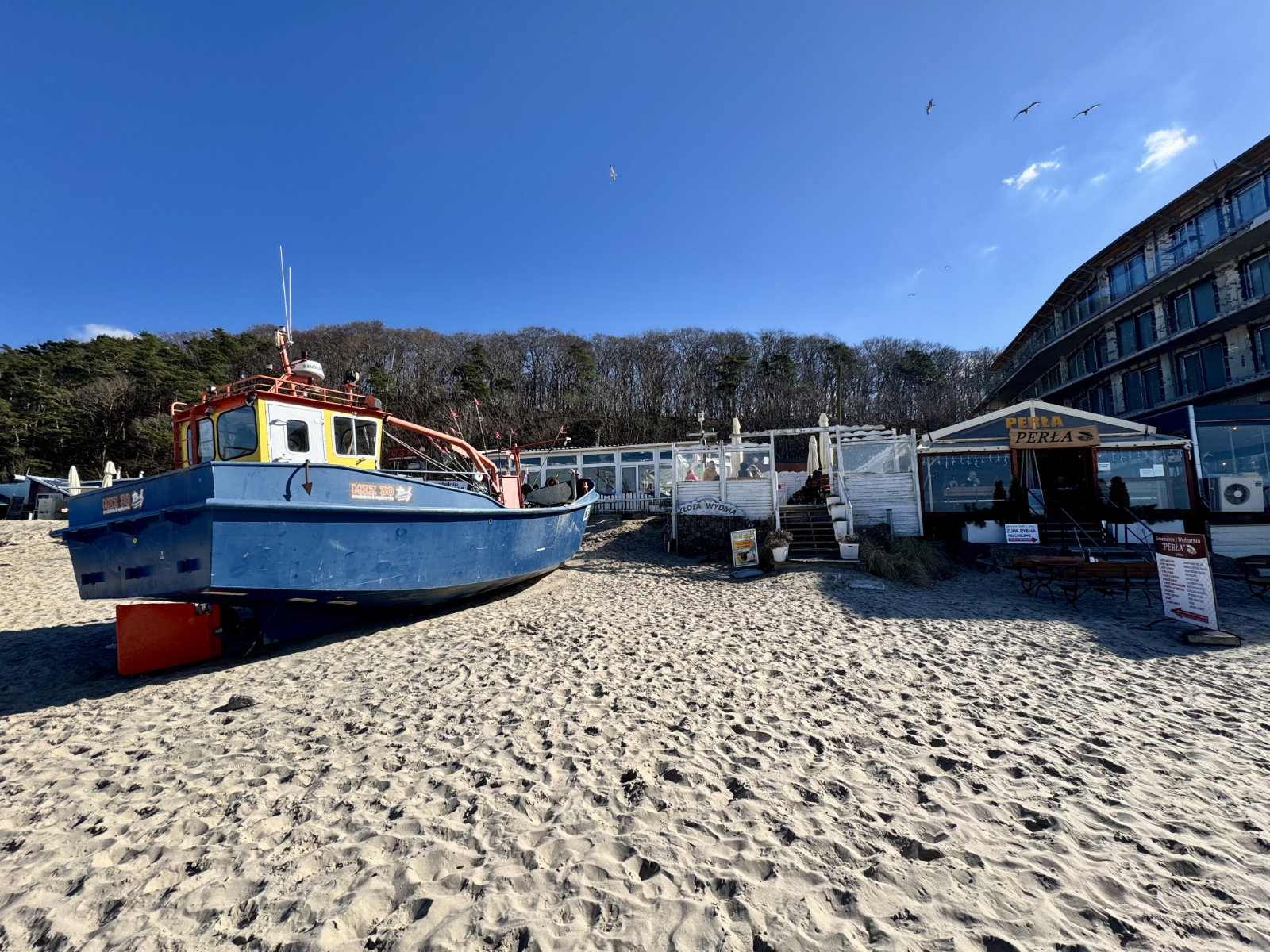
Everything you need.
Nothing you don't.
Up and running in minutes.
No sign-up form to fill out. An existing member invites you, and you're in.
-
Get your invite
A current group member sends you a personal invite link. Tap it to create your account. That's your ticket in.
-
Set up your profile
Pick a username and description, upload a square avatar photo, and instantly appear in the members list.
-
Start sharing
Browse the photo stream, like and comment on posts, upload your own moments. Install the app for the full experience.
Your group is waiting.
Open yooya on any device. Install it as an app for the best experience.
Open yooyaWorks on iOS, Android and desktop · No app store needed